FOR HOSPITALS & DIAGNOSTIC CENTRES
Your whole hospital, in one system.
Reception books the serial, the doctor sees the patient, the lab and pharmacy fill the orders, and accounts see every payment, all in one place, in Bangla or English.
Free trial. Pay by bKash, card or bank.
- Serials & OPDQueues and token slips
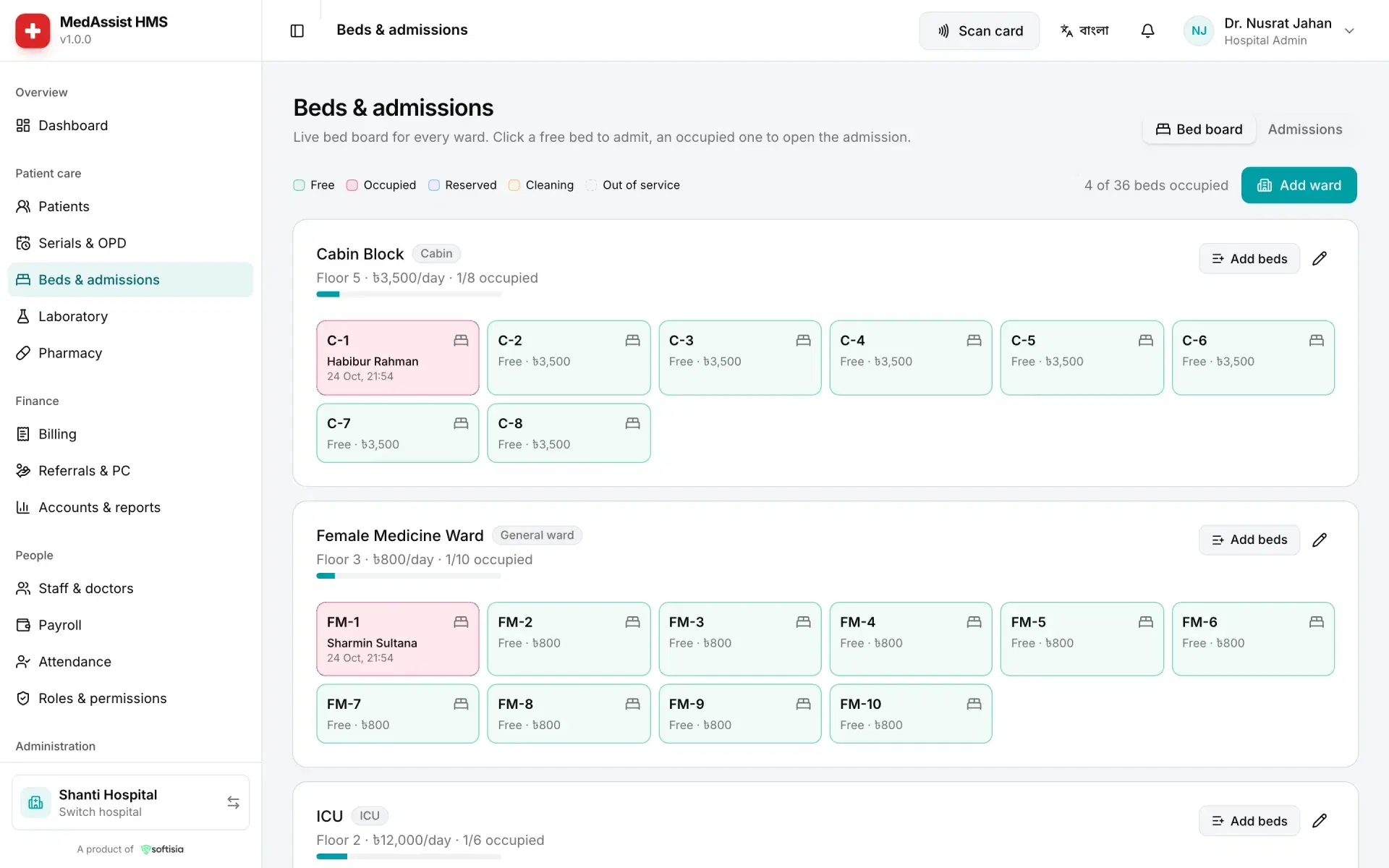
- Beds & admissionsA live ward board
- Lab & pharmacyOrders, reports, stock
- Billing & accountsEvery taka accounted for
WARDS & BEDS
See every bed at a glance.
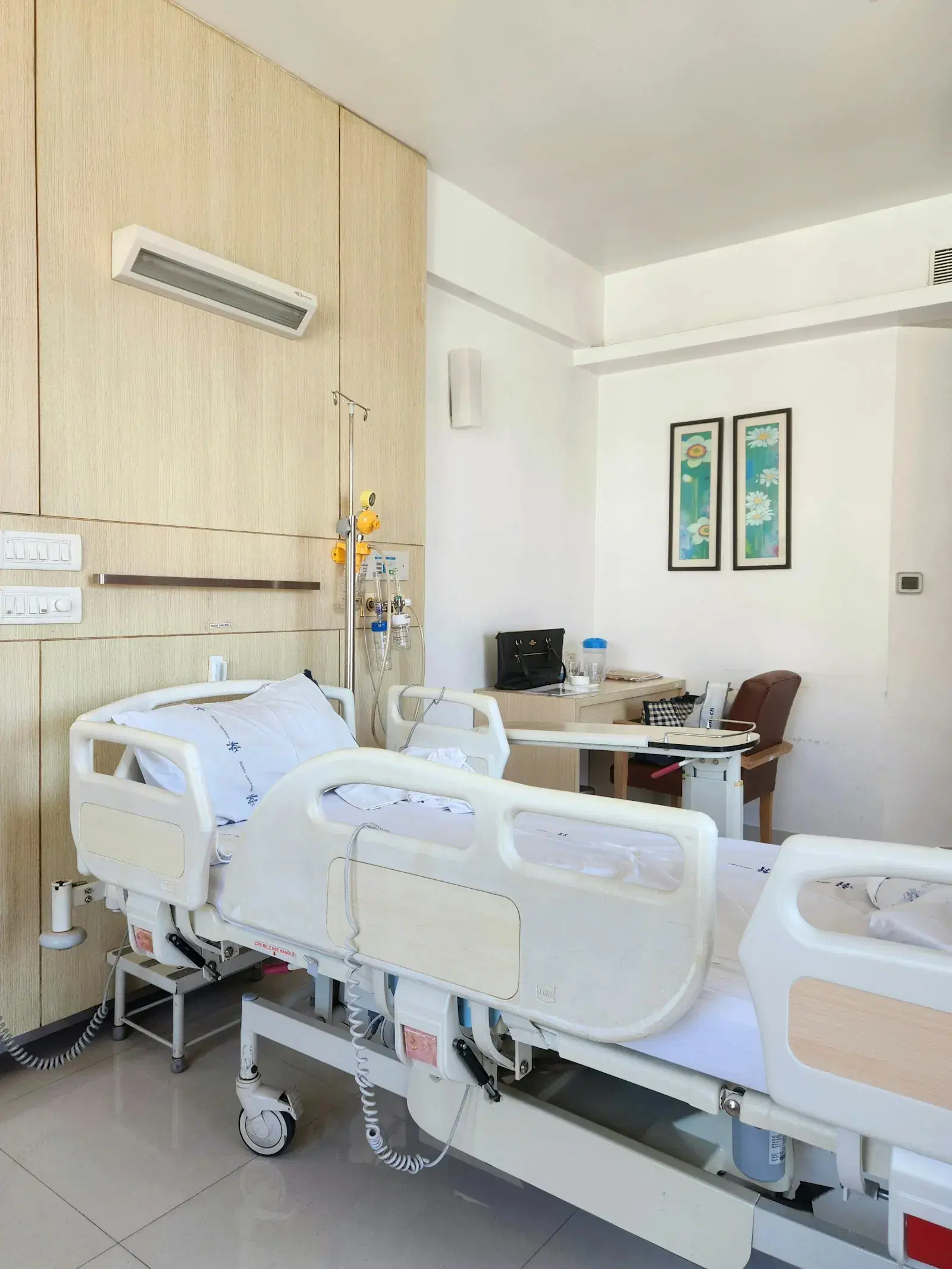
A live board of wards and cabins shows which beds are occupied, free or being cleaned. Admit a patient, transfer them, and discharge with the daily bed charges already on the bill.
- Ward and cabin bed board
- Admission, transfer and discharge
- Daily bed charges on the bill
LABORATORY
From sample to signed report.
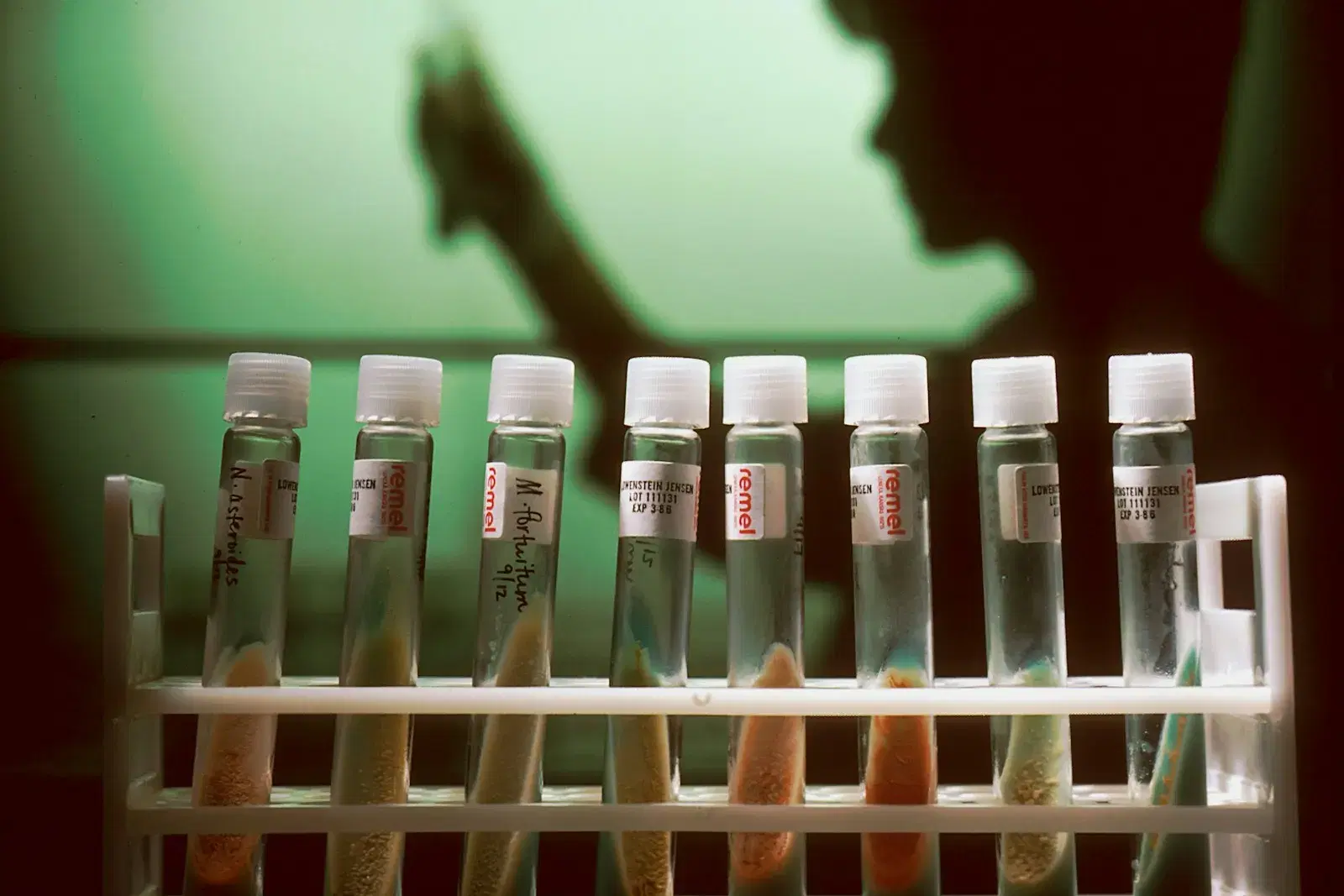
Tests ordered at the counter appear in the lab's queue. Results are entered against reference ranges and the report prints on your hospital's own layout.
- Test catalogue with prices
- Results with reference ranges
- Printed reports and patient SMS when ready
PHARMACY
Stock that keeps itself honest.
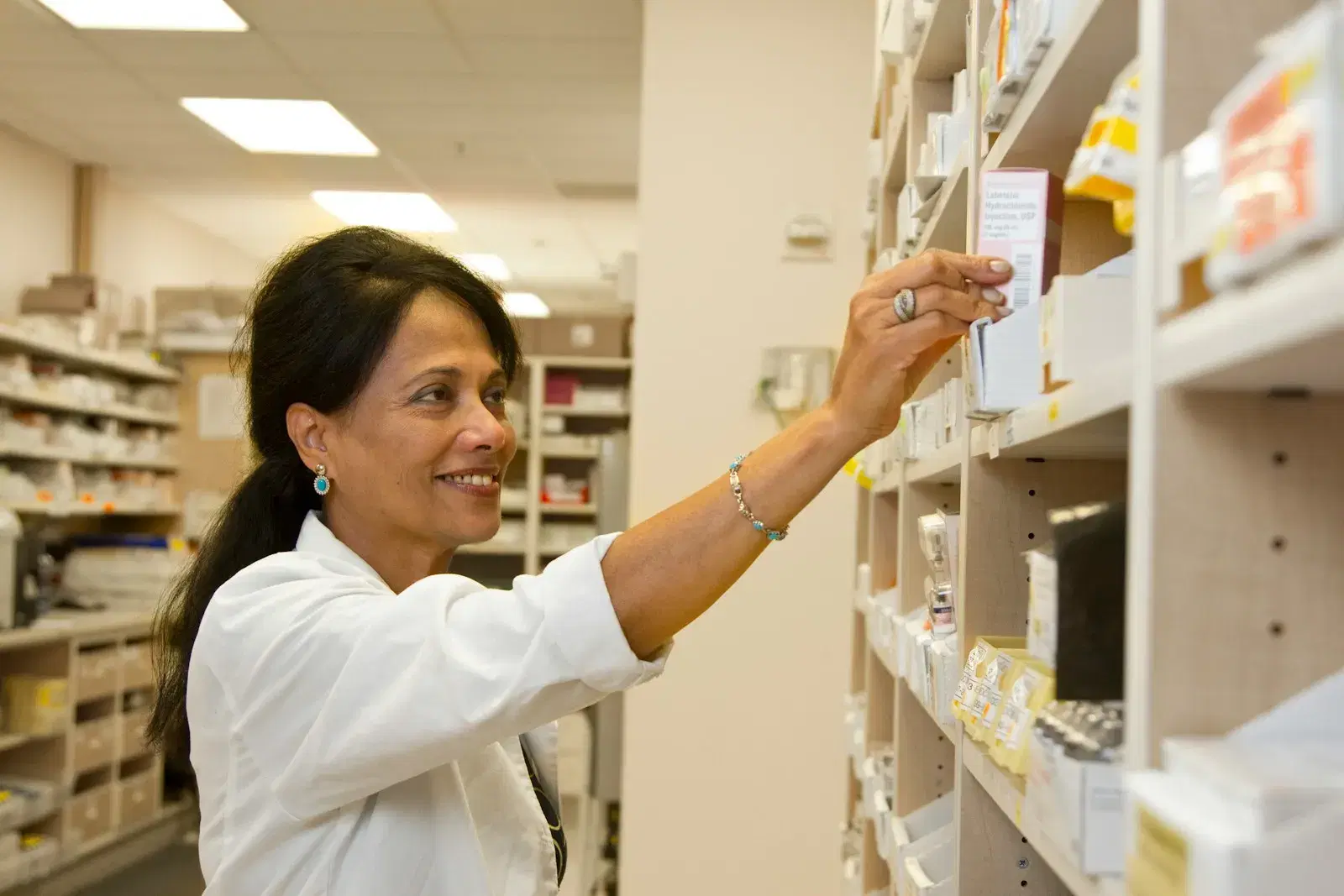
Sell from the pharmacy counter against real stock by batch and expiry. Low stock is flagged before the shelf is empty.
- Batch and expiry tracking
- Counter sales with a printed receipt
- Low-stock alerts
MODULES
Every module a hospital runs on.
Turn on what your hospital needs. Each staff member sees only what their role allows.
Serials & OPD
Doctor serials, the OPD queue and token slips.
Beds & admissions
Wards, cabins, admission and discharge.
Laboratory
Orders, results and printed reports.
Pharmacy
Sales and stock by batch and expiry.
Billing
OPD, IPD, lab and pharmacy through one billing system.
Accounts & reports
Income, expenses and daily collections.
Referral PC
Referring doctors and their commission.
Inventory
Store items and stock movements.
Staff & roles
Build roles from exact permissions.
Attendance
Staff check-in and attendance records.
Payroll
Salaries and payslips.
Patient SMS
Through your own Bangladeshi SMS gateway.
INSIDE MedAssist HMS
Real screens from a demo hospital.
MedAssist HMS in use, with a demo hospital's sample data.
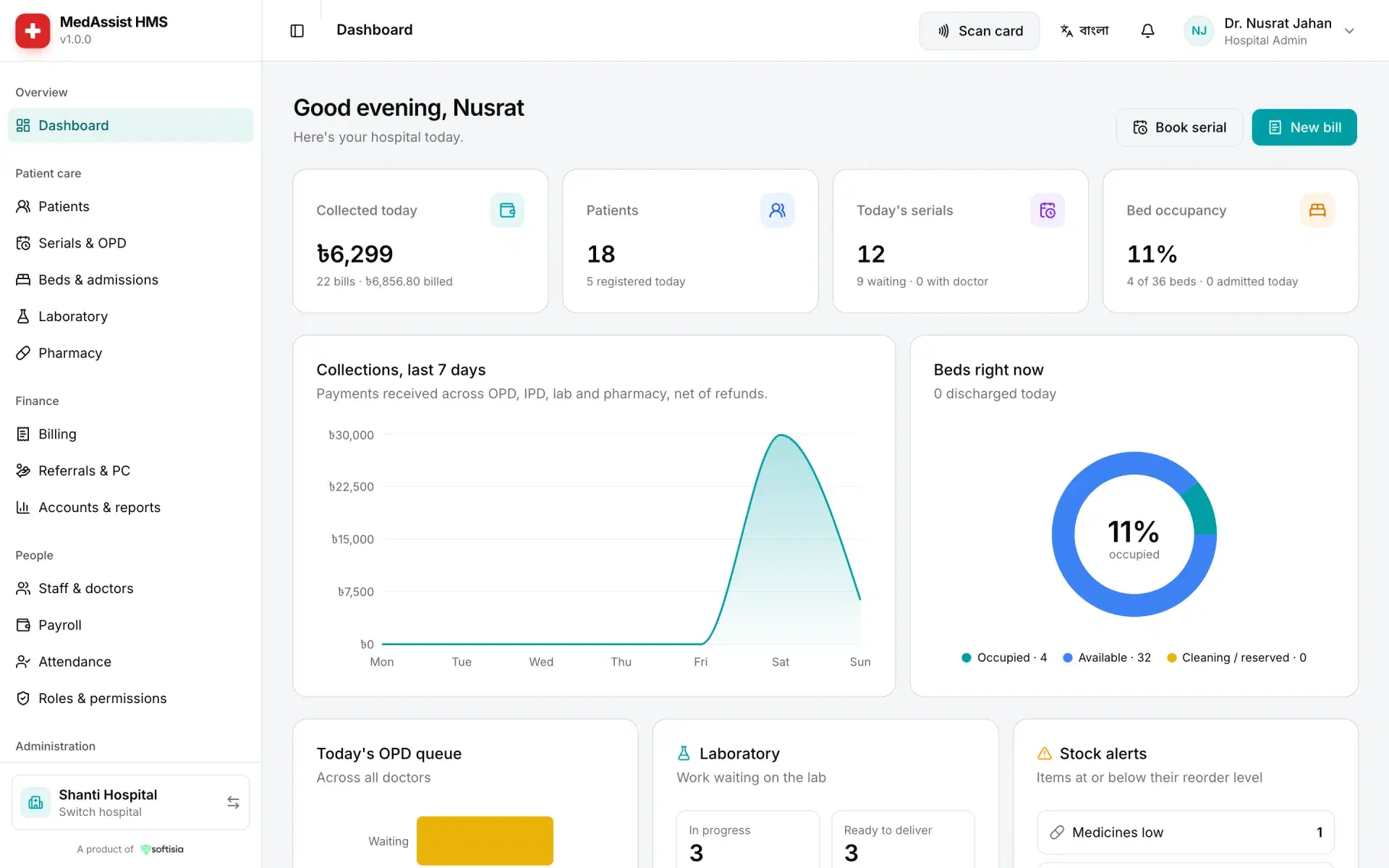
Today's collection, patients, serials and bed occupancy at a glance.
HOW IT WORKS
Your hospital live in three steps.
- 1
Create the hospital
Pick a plan, add the hospital's details and upload its trade and DGHS licences. The free trial starts at once.
- 2
Add your staff
Invite staff by email and give each a role built from exact permissions: reception, doctor, lab, pharmacy, accounts.
- 3
Open the OPD
Book serials, bill patients, admit to beds and run the lab and pharmacy, all from one system.
PRICING
Plans for every size of hospital.
Every plan starts with a free trial. Price changes apply from your next invoice; issued invoices keep their amounts.
Plans are shown when you create your hospital account.
See plans in MedAssist HMSBangla & English, throughout
Both products, their printed slips and patient SMS work in Bangla and English.
Real help, not a ticket queue
Reach the MedAssist team on a direct WhatsApp chat. In MedAssist HMS you can also open a support ticket from inside the app.
FAQ
MedAssist HMS, answered.
Anything else? Reach the MedAssist team from the support links below.
Hospitals, clinics and diagnostic centres. Whoever creates the hospital becomes its admin, adds staff by email and builds their roles. The hospital uploads its trade licence and DGHS licence for review.
Bring your hospital online.
Start the free trial, add your staff, and run the OPD, wards, lab and pharmacy from one system.
- 01
Create the hospital
Free trial, nothing to pay now
- 02
Upload licences
Trade and DGHS licences for review
- 03
Open the OPD
Serials, bills and beds from day one